
Design & craft
Give every carousel card a reason to come next
A carousel is a sequence, so the relationship between cards matters as much as the cover. If each slide repeats the headline with different decoration, the reader has no reason to continue. Start with a change you want the reader to understand, then decide how the sequence can make that change visible.
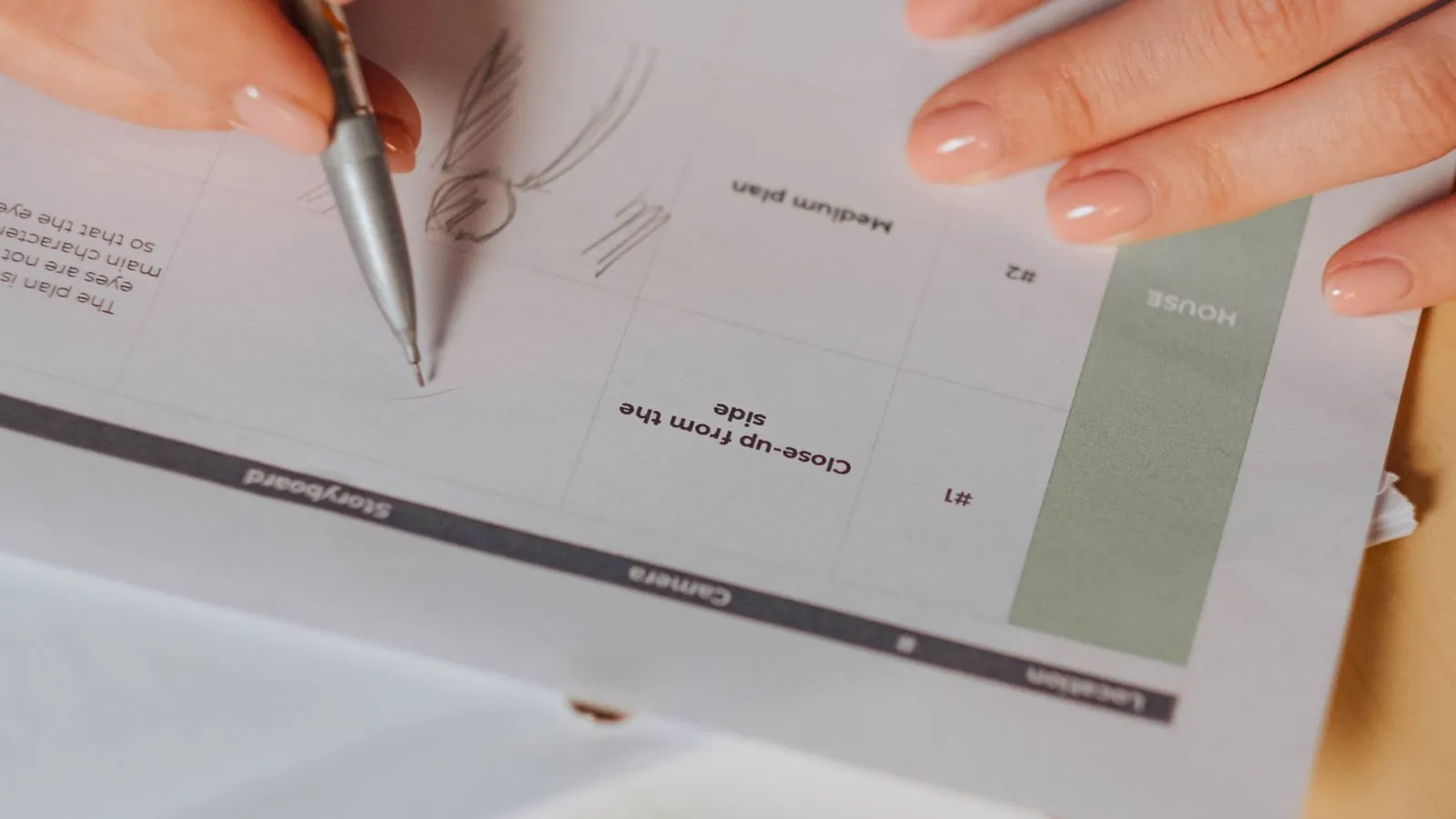
Choose one promise that fits the format
Use a carousel when sequence adds value: a process, a comparison, an explanation or a small case study. A single announcement may work better as one image. Before designing, finish this sentence: by the last card, the reader will be able to do or understand something specific. If the answer contains several unrelated outcomes, narrow the piece.
For example, a design studio could explain why a takeaway menu feels hard to scan. The promise is not Five design tips for success. It is a clear improvement: help customers find what they want before they reach the counter. That creates a useful editorial boundary for every card that follows.
Write the sequence in plain text first
Sketch a beginning, a middle and an ending without choosing a template. In the menu example, the cover identifies the problem, the next card shows a crowded menu, and the middle cards explain grouping, hierarchy and the ordering path. The final card presents a revised example and a small action the reader can try with their own menu.
Each card should advance the explanation. Read only the headings in order; they should make sense as a short argument. Then remove one card at a time. If the story works equally well without it, the card may not earn its place. There is no ideal universal card count, and the available native and third-party publishing limits differ by destination.
Show the idea instead of labeling it
A card saying Improve hierarchy leaves the reader to imagine the improvement. A side-by-side example showing one price style, a clearer category heading and a calmer background does more teaching. Keep the comparison fair: use the same information and explain what changed. Label invented demonstration artwork so it is not mistaken for an actual client project.
Alternate information density deliberately. A detailed example may need a quieter card before or after it. Use an occasional full photograph where it contributes context, rather than forcing a decorative image into every frame. The sequence should have a visual rhythm, while each card still provides enough context to be understandable if someone encounters it separately.
Design for reading at the destination
Choose a stable grid, type hierarchy and generous margins. Keep recurring navigation and card numbers in predictable positions, if they help the reader. Preview at realistic phone size before you finish the artwork. A layout that needs pinch-to-zoom to understand its main point is carrying too much text or giving too little room to the important information.
Use contrast that holds up over photographs, and provide a text equivalent of essential visual information in the accompanying post or available accessibility fields. W3C guidance is useful here: an informative image’s alternative should communicate its purpose and meaning. Do not use image descriptions as a place to insert promotional keywords unrelated to what the card conveys.
Finish the story before asking for something
The ending should deliver the promised outcome. For the menu example, show the revised ordering path before asking the reader to contact the studio. A useful next step could be checking whether their own menu groups items by how customers order. The request then follows naturally from the material rather than interrupting it with a sudden generic sales pitch.
Check the exact destination before export. A multi-image post, a document post and a paid carousel ad are different formats, even when people casually use the same name. LinkedIn’s carousel advertising documentation, for example, describes an ad product; it does not establish support for an identical organic workflow. Confirm format, ordering, cropping and link behavior in the channel you will actually use, then inspect the final sequence with its caption.
Further reading
Official references behind this guide. Tool availability and platform requirements can change.

Build a Canva template system your team will actually use
Create a small Canva social template system with useful layouts, clear boundaries and reliable handoffs, so consistent content still feels considered.
A calmer Figma workflow for recurring social content
Organize social designs in Figma with a small component library, resilient text layouts and clear review files that make campaign handoffs easier.

Edit social photographs without polishing away the character
Use a practical Photoshop workflow to improve light, crop and color while keeping original photographs intact and the finished image believable.