
Design & craft
Build a Canva template system your team will actually use
A folder of forty templates can make a team slower when nobody knows which five are approved. A useful template system removes small decisions while leaving room for judgment. Start with the posts your team makes repeatedly, then give each layout a clear purpose and a sensible limit.

Choose recurring jobs before choosing layouts
Review a recent month of content and group posts by what they do. A café might need a weekly menu, an event notice, a staff introduction and a product photograph with a short explanation. Build around those jobs rather than collecting attractive designs with unrelated typography. Four carefully tested starting points can cover more work than twenty variations nobody understands.
Give each template a plain name and a one-sentence use case. Menu update tells a colleague more than Template 07 final. Add an example of a good fit and a case that needs another layout. A photography-first template should not become a dense price list simply because it was the first file someone opened.
Define the stable parts of the design
Select a restrained set of brand colors, type styles and logo versions. Establish a minimum margin, one heading treatment and a reliable location for recurring information. Record these choices where the team works. Canva’s Brand Kit and Brand Template tools can support brand organization, but permissions and available controls depend on the account and plan. Check the current setup before promising a control to colleagues.
Keep the fixed parts small. The logo should not grow whenever a post feels empty, and the headline should not shrink until an entire paragraph fits. Decide which elements are structural and which can change. If your account provides appropriate template controls, use them thoughtfully; otherwise explain the boundary in a short note beside the master design.
Test the content that usually breaks it
Do not test a staff card only with a short name. Try a long name, a two-line role and an unfamiliar location. For a menu, try the longest dish name and a price with more digits. These awkward examples reveal whether the layout supports the work or merely looks good with placeholder text.
Set practical copy limits based on the design, not an arbitrary character target. A heading may need to stay within two lines at the chosen size. If the information is longer, change the format or split the message. Keep a photographic example with a busy background so the team can see when a solid text panel is necessary.
Make variation intentional
Consistency does not require every post to have the same composition. Create a light and a dark treatment, a full-image option and a text-led option where there is a real need. Preserve the underlying type hierarchy and spacing. That gives the feed variety without asking each teammate to redesign the brand every time they post an announcement.
Avoid adding decorative elements to fill silence. A clear photograph, a useful headline and enough breathing room may be all the piece needs. Preview the exported image at the size it will appear on a phone. Small disclaimers and pale text often feel acceptable on a large design canvas while becoming difficult to read in the feed.
Keep masters separate from campaign work
Give one person responsibility for the approved masters and keep everyday campaign copies clearly named. Use a simple pattern such as date, topic and destination. Record the export that was approved, not just the editable file link, because the working file can change later. Confirm asset and font licensing for the intended use rather than assuming every element is suitable for every campaign.
Design accessibility checks can catch some issues, but Canva explicitly says they do not guarantee compliance. Review contrast, reading order and alternative text where relevant, then check what survives the chosen export. An image file does not carry your social platform’s alt text field with it. Add and verify accessibility information in the destination workflow as well.
Further reading
Official references behind this guide. Tool availability and platform requirements can change.
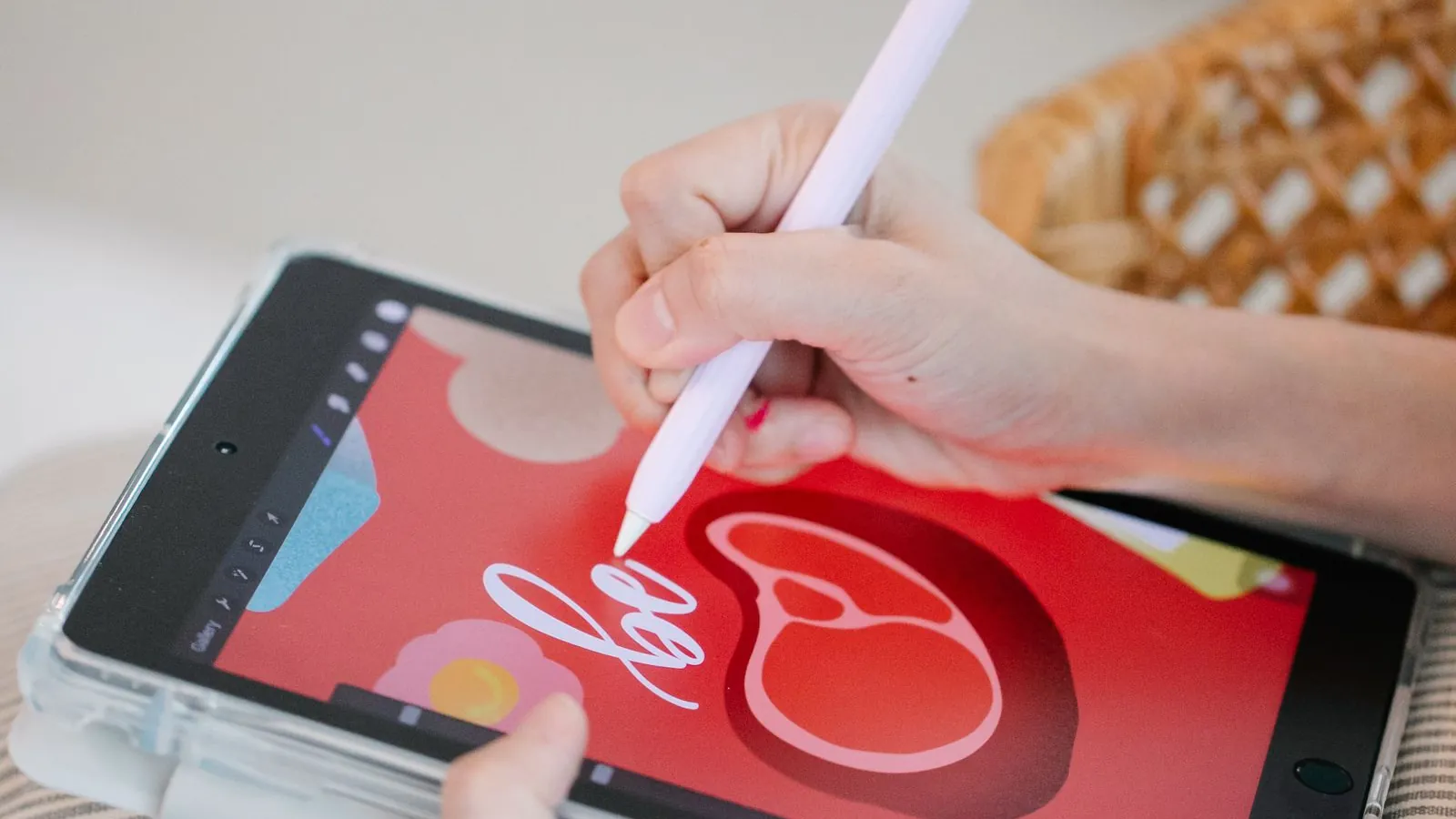
A calmer Figma workflow for recurring social content
Organize social designs in Figma with a small component library, resilient text layouts and clear review files that make campaign handoffs easier.

Edit social photographs without polishing away the character
Use a practical Photoshop workflow to improve light, crop and color while keeping original photographs intact and the finished image believable.
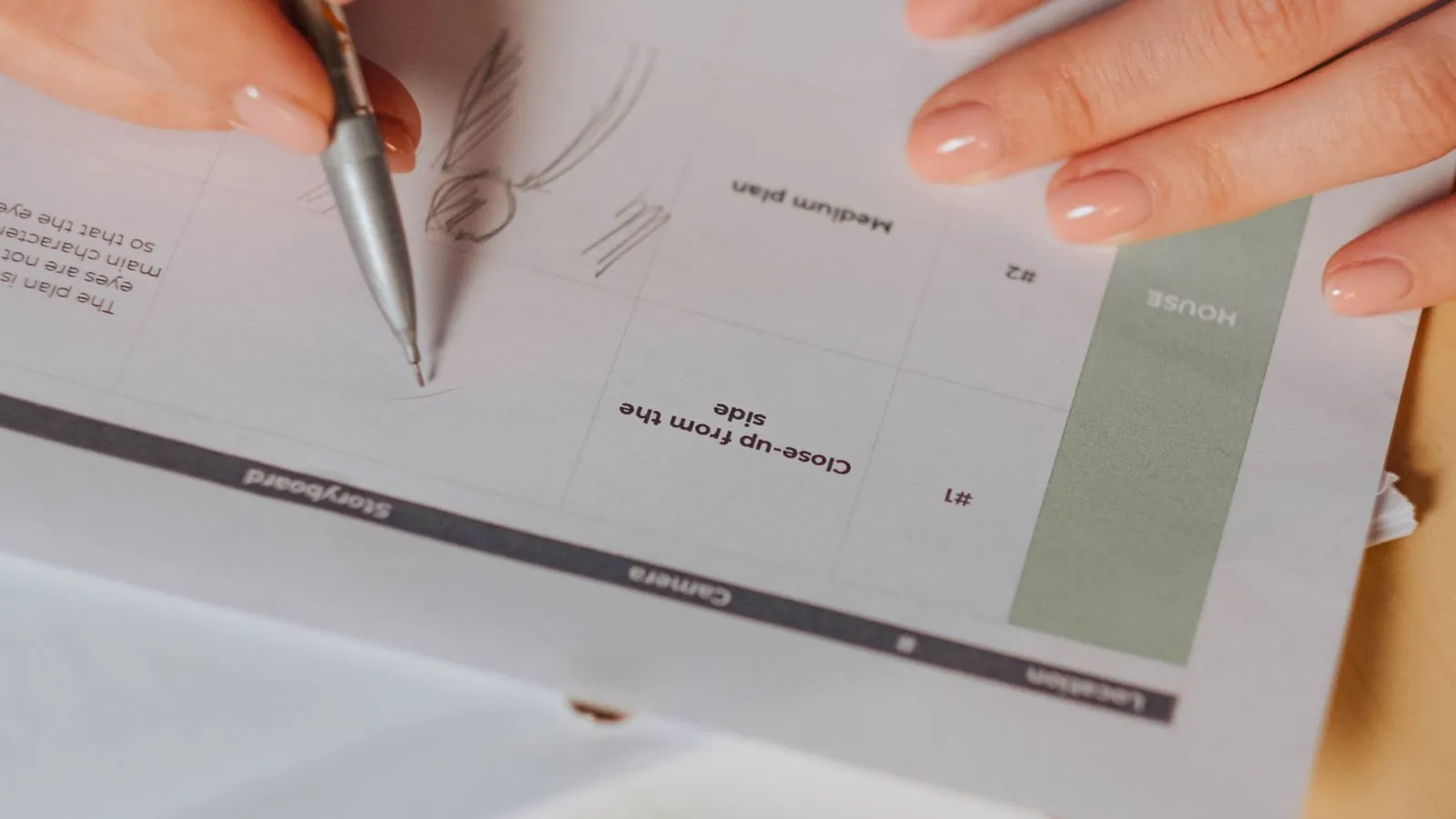
Give every carousel card a reason to come next
Plan a social carousel with a clear promise, useful progression and a satisfying ending, then design cards that remain readable on a real phone.