Billion at work4 min read
A social media week you can actually finish
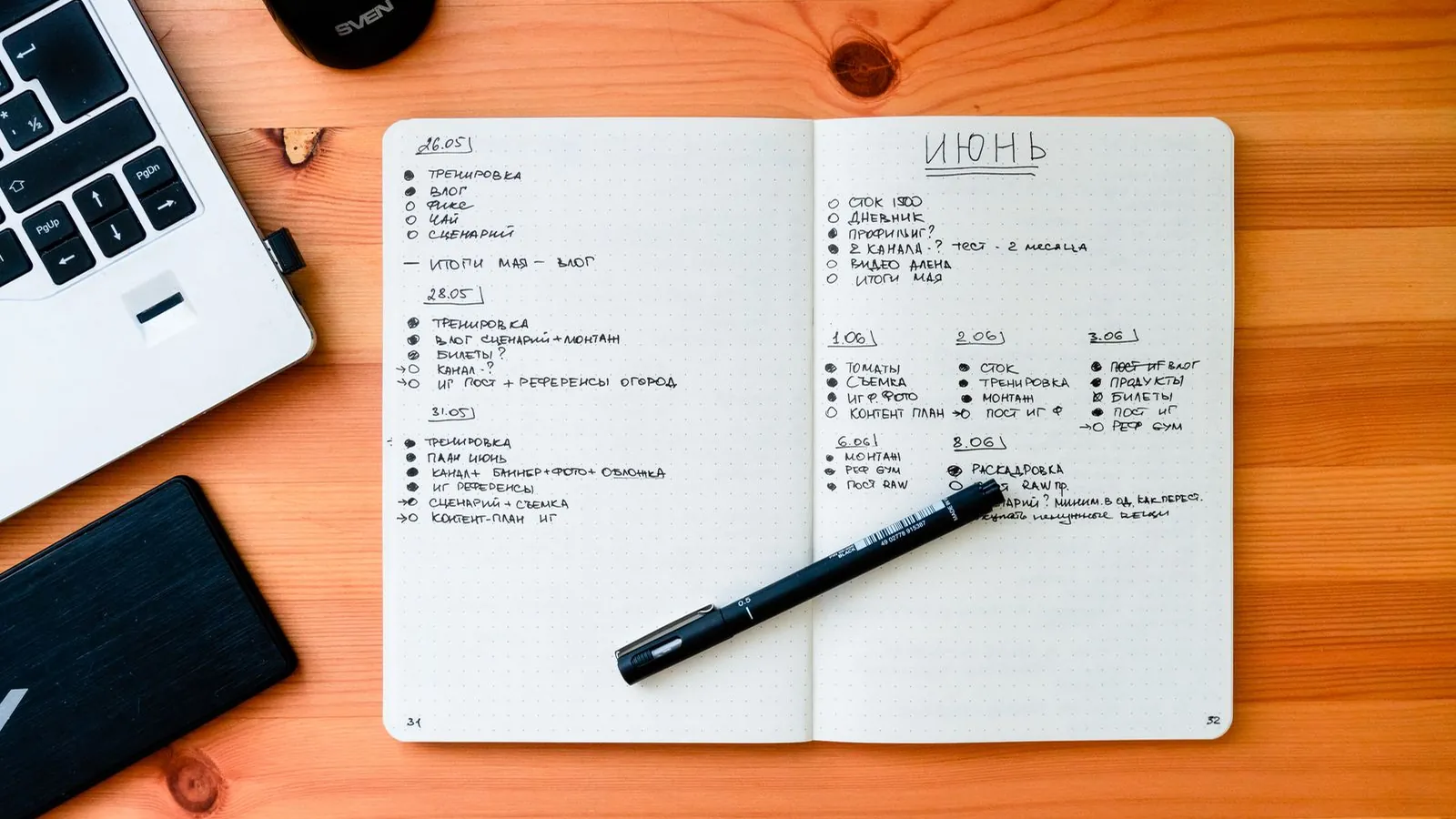
Build a manageable weekly social media plan in Billion, with a clear brief, useful drafts, time for review and room for the work that happens between posts.
 A workspace for your content
From Billion, with a little perspective
Social strategy, thoughtful AI and design habits worth keeping. Start with a guide. Leave with something to try.
Find your next readA good place to start · 4 min read
Build a manageable weekly social media plan in Billion, with a clear brief, useful drafts, time for review and room for the work that happens between posts.
Read the guideKeep something useful
15 articles
Build a manageable weekly social media plan in Billion, with a clear brief, useful drafts, time for review and room for the work that happens between posts.
Use Billion’s AI caption tools with a precise brand brief, real examples and an editing routine that keeps your social posts useful, accurate and recognisable.
Turn one content idea into platform captions in Billion, keeping the facts consistent while adjusting the opening, detail and next step for each reader.
Set up a clear content review routine in Billion with brand access, useful feedback and approval tied to the exact caption and media your team has checked.
Organise photos and videos in Billion with useful names, image details and a deliberate selection process, so your next post starts with the right original.
Make your brand easier to understand in search with clear answers, original evidence and practical pages that help people make a real decision.
Use customer language, specific openings and clear context to write social captions that support discovery without turning every post into a keyword list.
Turn an AI draft into useful brand content with a practical review of claims, voice, examples and permissions before anything reaches your audience.
Create a small Canva social template system with useful layouts, clear boundaries and reliable handoffs, so consistent content still feels considered.
Organize social designs in Figma with a small component library, resilient text layouts and clear review files that make campaign handoffs easier.
Use a practical Photoshop workflow to improve light, crop and color while keeping original photographs intact and the finished image believable.
Plan a social carousel with a clear promise, useful progression and a satisfying ending, then design cards that remain readable on a real phone.
Improve social accessibility with useful image descriptions, checked captions, readable design and clear language throughout your content workflow.
Build five useful social posts from one strong idea by changing the question, example and format while keeping the facts and brand perspective consistent.
Choose social media metrics that match the job of each post, read them in context and turn your reporting into a useful decision for the next campaign.